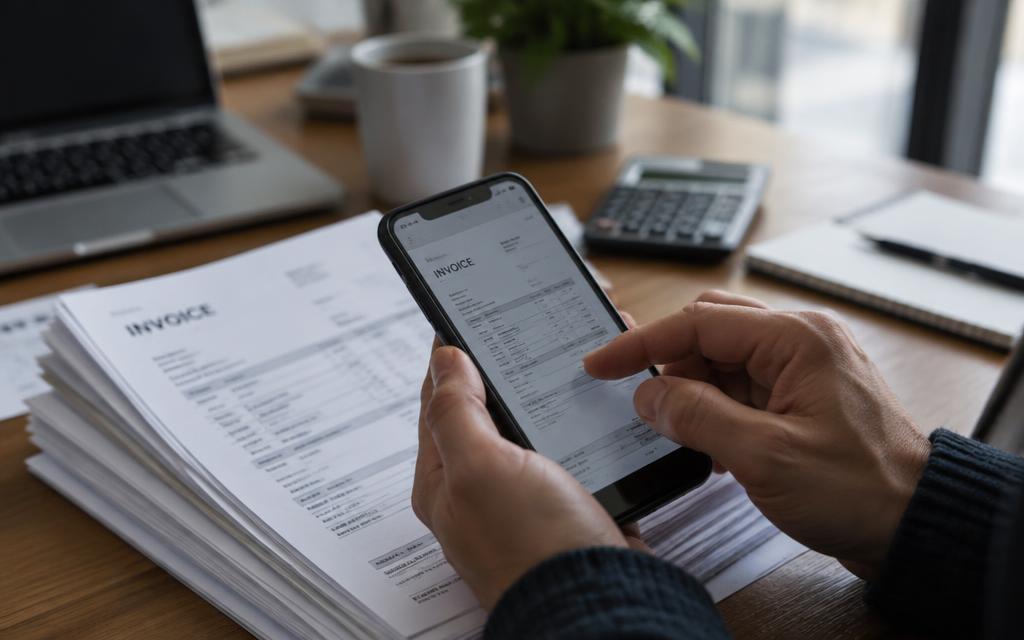

Invoice Automation
From WhatsApp to Accounting: How Invoice Automation Actually Works
See how a supplier invoice can move from a simple WhatsApp message to structured accounting data—without hours of manual entry.
The Snapit Team6 min read
- Invoice
- Snapit
- Accounting
Most finance teams do not have an invoice problem. They have a data entry problem. The invoice already exists—it was handed over at the back door, emailed as a PDF, or photographed on a phone. The work is everything that happens afterwards: typing the supplier, the invoice number, the date, the tax and the total into an accounting system.
Invoice automation removes that middle step. This guide walks through what actually happens between a WhatsApp message and a posted accounting entry, so you can judge whether the workflow fits your business.
The six stages of an automated invoice workflow

- Supplier invoice
- Snapit
- Data extraction
- Review
- Accounting software
1. Capture
Someone sends the invoice to a company WhatsApp number—a photo taken at the counter, a forwarded PDF, or a scan. No app to install, no login to remember, no training session. Capture happens where the paperwork already is.
2. Recognition
The document is read and the useful fields are identified: supplier name, invoice number, issue date, currency, tax amount, line items and total. Modern extraction combines optical character recognition with layout understanding, so it can handle a crumpled photo as well as a clean PDF.
- Supplier
- Fresh Supply Co.
- Invoice number
- FS-20418
- Date
- 06 Sep 2026
- Tax
- RM 72.70
- Total
- RM 1,284.50
3. Review
This is the stage most teams care about. Nothing should post blindly. The extracted values come back in the chat so the sender can confirm them or correct a field before anything reaches the books.
4. Validation
- Duplicate check against invoice number, supplier and amount
- Totals reconciled against line items and tax
- Missing required fields flagged before posting
- Each submission mapped to the right company, branch or client
5. Posting
The confirmed record is created in the destination system, with the original document attached so anyone auditing the entry can see what it came from.
6. History
Every submission, correction and destination stays visible in one dashboard, which matters when a supplier queries an invoice three months later.
What automation does not do
Automation does not decide whether an invoice should be paid, and it does not replace approval rules that your business already relies on. It removes the typing between an invoice arriving and a record existing. Approvals, coding decisions and payment runs stay where they belong.
A useful rule of thumb
If a person is retyping information that already exists on a document, that step is a candidate for automation. If a person is making a judgement call, it is not.
How to evaluate it for your team
- 1Count how many supplier invoices you handle in a typical week.
- 2Estimate the minutes each one takes from arrival to posted entry.
- 3Check whether your accounting system is a supported destination.
- 4Run a small pilot with one branch or one supplier before rolling out.
Keep exploring
Last updated 11 September 2026.