Integrations
How to Send Invoices to AutoCount via WhatsApp
Learn how businesses can capture supplier invoices through WhatsApp and move the extracted information into AutoCount with less manual work.
The Snapit Team5 min read
Snapit
FRESH SUPPLY CO.
Fresh produce & pantry goods
Fresh Supply Co. · FS-20418
Total RM 1,284.50 · Tax RM 72.70
Reply CONFIRM to post it.
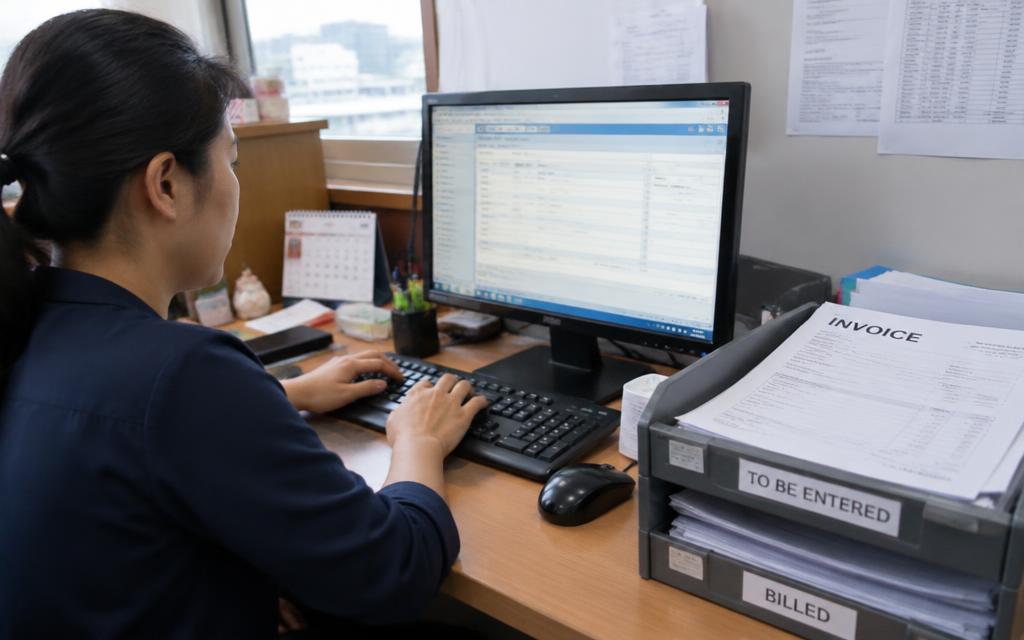
AutoCount is a familiar backbone for many Malaysian businesses, and most of the effort around it happens before anything is entered: collecting supplier invoices from branches, chasing missing documents and typing the same details again and again.
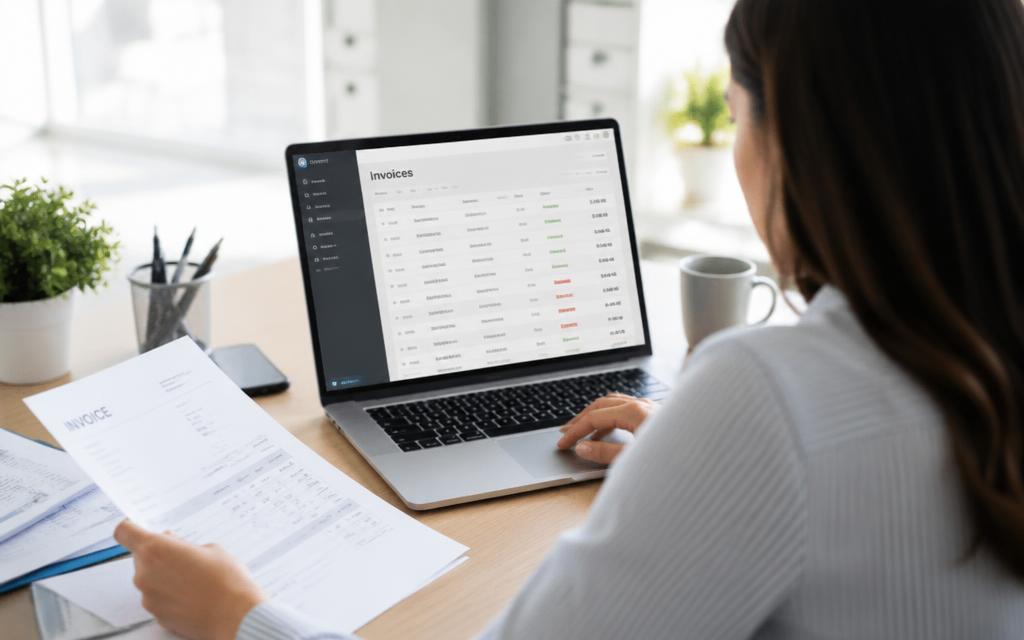
Connecting WhatsApp to AutoCount changes where the work starts. Staff send the invoice from wherever they are, and the structured data arrives ready for your books.
Why WhatsApp is a practical capture channel

- Your team already uses it every day—no new app to adopt
- It works from a phone in a storeroom, a van or a branch counter
- Photos and PDFs are both acceptable inputs
- Each approved number can be mapped to a company or branch
Snapit
FRESH SUPPLY CO.
Fresh produce & pantry goods
Fresh Supply Co. · FS-20418
Total RM 1,284.50 · Tax RM 72.70
Reply CONFIRM to post it.
The workflow, step by step
- Photo or PDF
- Extraction
- Confirm in chat
- AutoCount
- 1A staff member sends the supplier invoice to your Snapit WhatsApp number.
- 2Snapit reads the supplier, invoice number, date, tax and totals.
- 3The details come back in chat for confirmation or correction.
- 4Once confirmed, the record and the original document move into AutoCount.
Nothing posts blindly
Every extraction is confirmed by a person before it reaches AutoCount, so finance keeps the same control it has today—without the typing.
Setting it up sensibly
Map numbers to entities first
If you run several companies or branches, decide which phone numbers belong to which entity before you invite the team. That mapping is what keeps submissions from landing in the wrong set of books.
Start with your highest-volume suppliers
Recurring suppliers give you the fastest feedback: the same layout arrives repeatedly, so you learn quickly how the workflow behaves in your business.
Agree who confirms
The person sending the invoice is usually the right person to confirm the details, because they are holding the document. Finance still reviews everything in the dashboard.
What to watch for
- Faint thermal-printed invoices photograph poorly—ask for a flat, well-lit shot
- Credit notes and invoices should be labelled clearly by the sender
- Duplicate submissions from two staff members are common; duplicate detection matters
Related pages
Last updated 11 September 2026.