
Integrations
WhatsApp to Xero: Turn Invoice Photos into Accounting Entries
Discover how invoice photos shared through WhatsApp can become structured accounting data ready for Xero.
The Snapit Team5 min read
Snapit
FRESH SUPPLY CO.
Fresh produce & pantry goods
Fresh Supply Co. · FS-20418
Total RM 1,284.50 · Tax RM 72.70
Reply CONFIRM to post it.
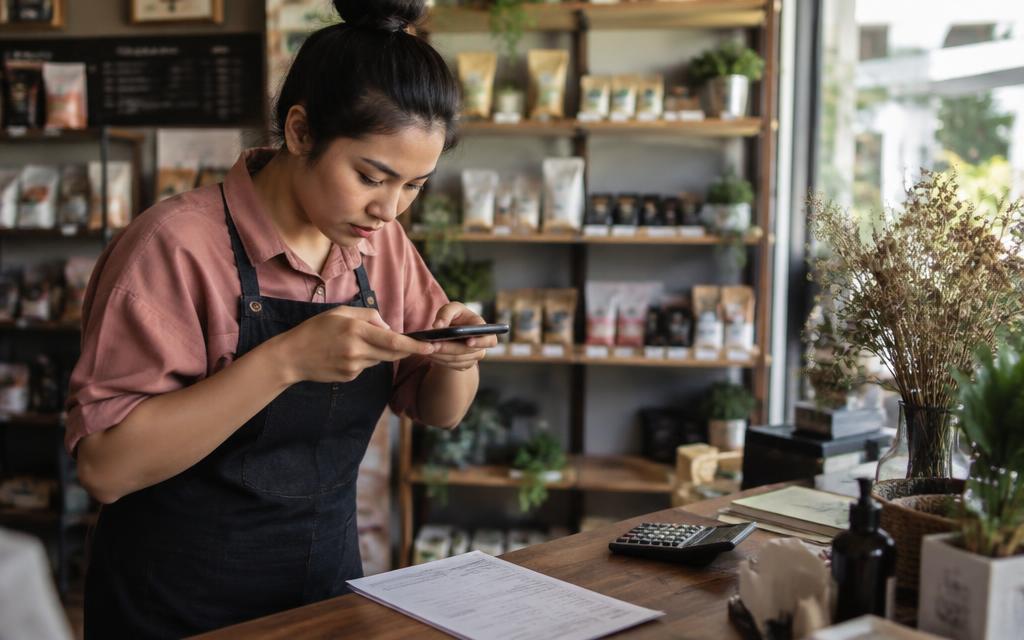
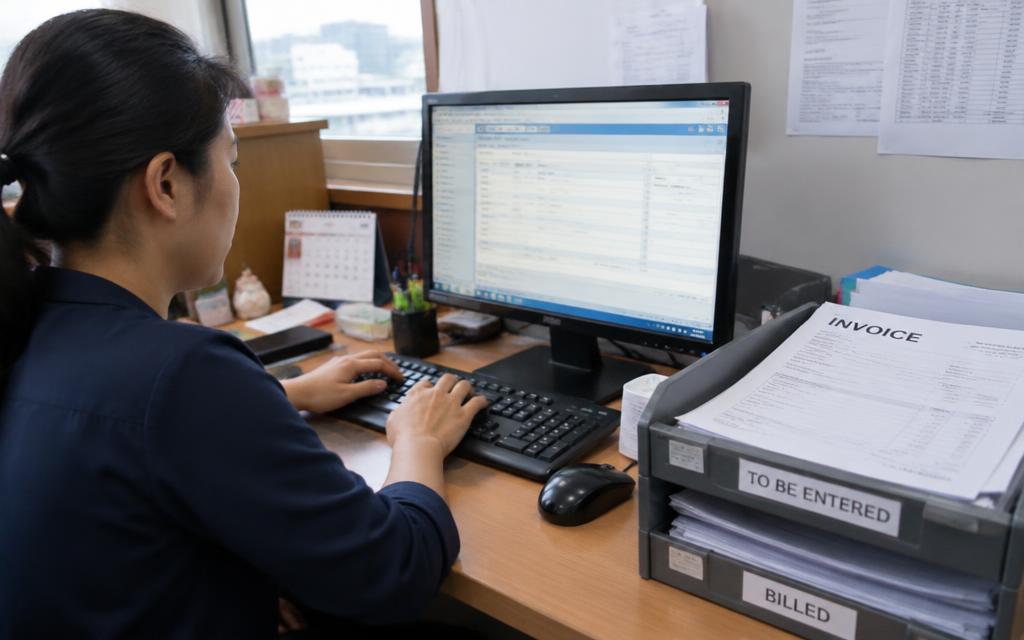
Xero is comfortable to work in once the data is there. Getting it there is the tedious part—especially when invoices reach you as phone photos from people who will never log in to an accounting system.
Photos are fine as a starting point
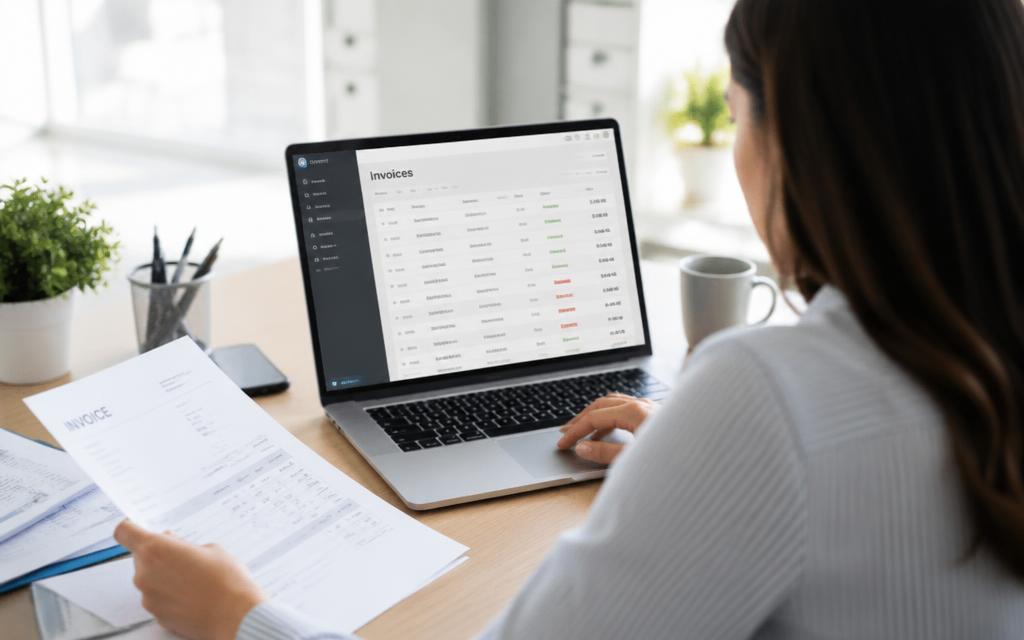
A photo is not a lesser document; it is simply an unstructured one. Extraction turns it into fields: supplier, invoice number, date, currency, tax and total. Once those exist, a bill in Xero is a mechanical step rather than a typing session.
- Invoice photo
- Extraction
- Confirm
- Xero
Keeping the human check
Snapit replies with what it found and waits. The sender confirms or corrects a value, and only then does the entry move. That single confirmation is what makes automated capture safe to use across a team.
Snapit
FRESH SUPPLY CO.
Fresh produce & pantry goods
Fresh Supply Co. · FS-20418
Total RM 1,284.50 · Tax RM 72.70
Reply CONFIRM to post it.
Practical tips for Xero users
- Decide up front which Xero organisation each WhatsApp number maps to
- Attach the original document to every bill so reviewers can verify quickly
- Use duplicate detection—photographed invoices are easy to send twice
- Reconcile in Xero as usual; capture automation does not change your bank rules
A realistic before and after
Before: invoices accumulate in a folder and someone keys them in on a fixed afternoon each week. After: invoices are captured on the day they arrive, confirmed in seconds, and the weekly session becomes a review rather than a data entry marathon.
Last updated 11 September 2026.