
Integrations
How to Send Supplier Invoices to SQL Account via WhatsApp
A simpler workflow for getting supplier invoice data from WhatsApp into SQL Account without repetitive data entry.
The Snapit Team5 min read
- Supplier
- Fresh Supply Co.
- Invoice number
- FS-20418
- Date
- 06 Sep 2026
- Tax
- RM 72.70
- Total
- RM 1,284.50
For teams running SQL Account, the bottleneck is rarely the software. It is the gap between an invoice arriving somewhere in the business and someone sitting down to key it in.
Where the time actually goes
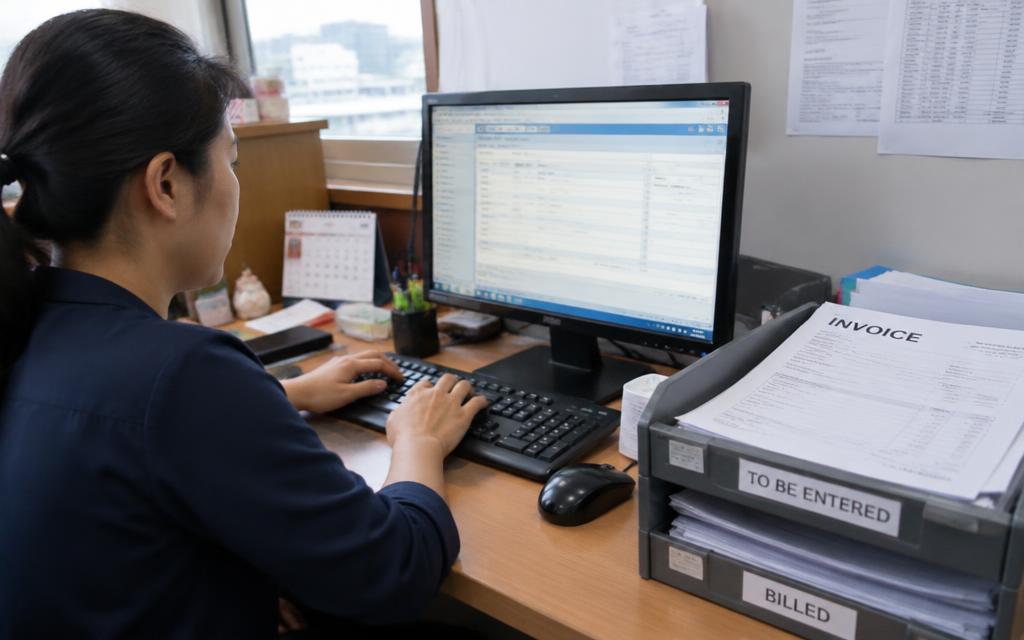
- Collecting documents from branches and drivers
- Sorting photos, PDFs and paper into one pile
- Typing supplier, invoice number, date, tax and totals
- Chasing the missing invoice that never made it to finance
Only the third item looks like accounting work, and it is the one most easily automated.
A WhatsApp-first workflow
- Supplier invoice
- Extraction
- Review
- SQL Account
Staff send invoices to a company WhatsApp number as they receive them. The details are extracted, confirmed in chat, and the structured record plus the original file are prepared for SQL Account.
- Supplier
- Fresh Supply Co.
- Invoice number
- FS-20418
- Date
- 06 Sep 2026
- Tax
- RM 72.70
- Total
- RM 1,284.50
Availability
SQL Account is on the Snapit integration roadmap. If it is your main system, tell us—roadmap order follows demand.
Getting cleaner data in
- 1Ask for one invoice per message so submissions stay traceable.
- 2Photograph documents flat, in daylight where possible.
- 3Keep credit notes separate from invoices.
- 4Review the daily list in the dashboard rather than invoice by invoice.
What finance gains
Fewer late arrivals at month end, a searchable history of every submission, and a clear trail from the record back to the original document.
Related pages
Last updated 11 September 2026.